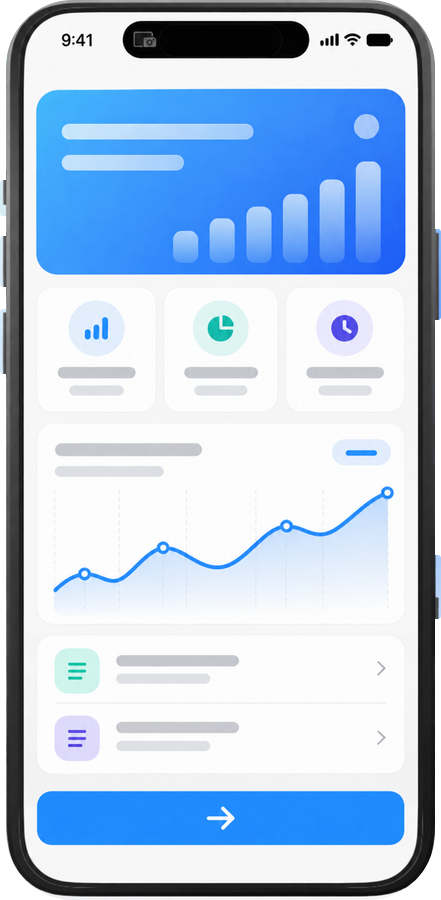
Exhibit for Mac

Share your iPhone in 1 step.

Without ExhibitOpen QuickTime Player → File → New Movie Recording → select iPhone screen.

With ExhibitOpen Exhibit.

Download on the Mac App Store
App demo
●▣⌒

Meetings & live demos

Keep the whole demo on your Mac.

Plug in your iPhone, open Exhibit, and share one window. There is no need to join the meeting from your phone or switch presenters mid-demo.

Exhibit places the live screen inside a familiar phone frame, so everyone immediately understands that they are looking at a mobile app.

Screenshots & recordings

Capture it framed and ready.

Press Space for a screenshot. Hold Space to record. Exhibit captures the screen and phone frame together, then saves the file directly to your Mac.

Drop it straight into a presentation, document, message, or launch update. No need to capture on the phone, transfer the file, and frame it afterward.

Pricing

Free.

Use Exhibit for live demos, screenshots, and screen recordings at no cost. No trial, subscription, or paid tier.

Download on the Mac App Store